Chatbot Human Handoff: A Practical Guide for 2026

A chatbot human handoff is the point where automation stops and a person takes responsibility for the customer’s question. The next step might be a live conversation, a support ticket, or an email reply. What matters is that the customer can continue without starting over.
A good handoff depends on three elements:
- Timing: Escalate when the chatbot cannot answer confidently or the customer asks for help from a person.
- Context preservation: Keep the conversation history and any details the customer has already provided.
- Transparency: Explain what happens next, including whether the customer should expect live help or a later reply.
Containment rate alone does not show whether a chatbot is useful. A bot that recognizes its limits and creates a clear path to human support can deliver a better experience than one that keeps offering irrelevant answers.
Table of Contents
- When should you trigger a chatbot to human handoff?
- Key benefits of getting the handoff right
- Best practices for a smooth chatbot to human transition
- How Deskhero facilitates effective chatbot to human handoff
- Deskhero gives your team a smarter starting point
- FAQ
- Key Takeaways
When should you trigger a chatbot to human handoff?
The right trigger depends on the support channel, the customer’s request, and what the chatbot is allowed to do. Escalating every question wastes the value of self-service. Waiting after the bot has run out of useful answers creates frustration.
The clearest triggers fall into two categories: explicit and inferred.
Explicit triggers are direct signals:
- The customer asks to speak with a person.
- The request concerns a topic that your policy reserves for a human review.
- The customer needs an action the chatbot cannot perform.
Inferred triggers come from the conversation:
- The chatbot cannot find a sufficiently relevant answer.
- The customer says an answer did not solve the problem.
- The conversation becomes repetitive.
- The customer provides details that require investigation or judgment.
These triggers do not all require sentiment analysis or a complex routing model. A simple confidence check, a clear “No” response to “Did this answer your question?”, and an accessible contact form can provide a dependable fallback.
A repetition loop is particularly important to catch. If the customer keeps rephrasing the same question and receives substantially the same answer, the bot should offer a different route rather than extending the loop.
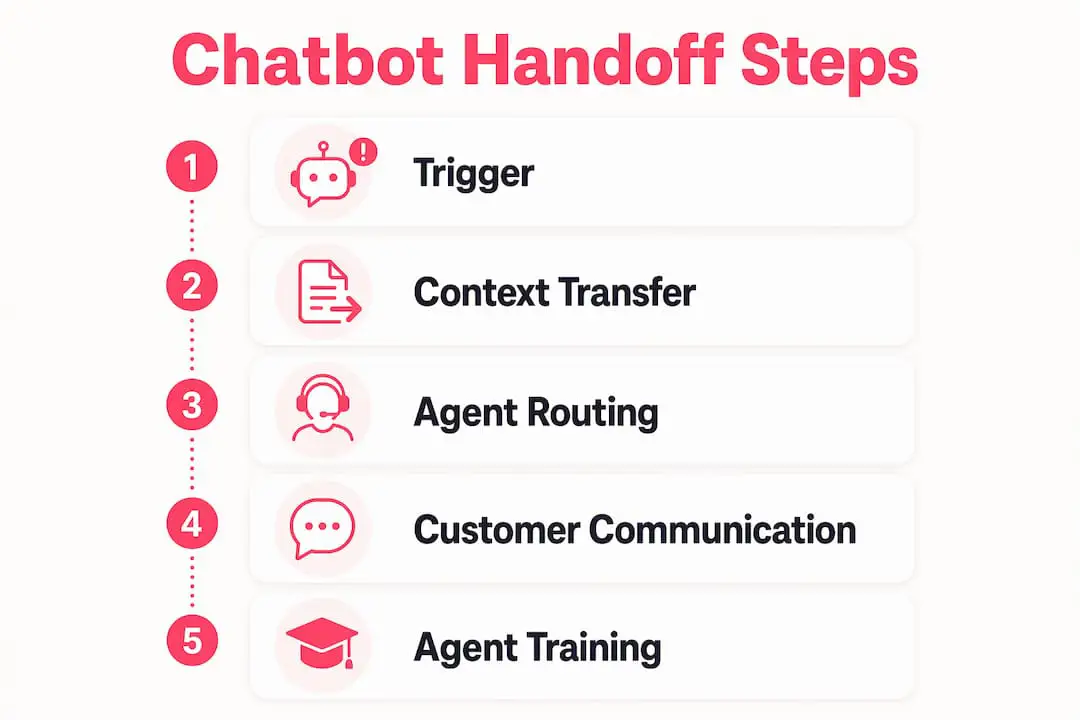
Pro Tip: Define escalation rules around what your chatbot can verify and complete. The safest trigger is often the boundary of the bot’s approved knowledge or permissions.
Key benefits of getting the handoff right
A clean transition from chatbot to human support improves the experience on both sides of the conversation.
- Less repetition: A saved transcript lets the support User see what the customer asked and what the chatbot answered.
- Better first replies: Context helps the User address the unresolved point instead of asking the customer to restate the entire problem.
- Appropriate automation: Straightforward questions can remain in self-service while uncertain or sensitive requests move to a person.
- More efficient investigation: Contact details, form fields, and attachments can give the User useful evidence before replying.
- Greater trust: Customers can see that the company has a plan for questions the chatbot cannot answer.
Escalation is not necessarily a failure. It is a control that prevents automation from guessing beyond its knowledge. The goal is not to avoid every handoff, but to make each handoff purposeful and easy to follow.
Best practices for a smooth chatbot to human transition
Transfer the full context payload
Preserve the conversation transcript and the customer details already collected. Depending on the request, useful context may include the customer’s contact information, the unresolved question, relevant account or order references, form fields, and attachments.

Present that information with the ticket rather than forcing the support User to reconstruct the conversation from separate tools. If a summary is generated, keep the original transcript available so the User can verify it.
Set expectations immediately after transfer
Tell the customer when the automated conversation has ended and what they need to do next. If the fallback is a form, prefill what you can and explain that a reply will arrive later. If the channel supports live assistance, distinguish between joining a queue and being connected to a person.
Route the request to the right team
Route the new ticket according to the form, mailbox, topic, or information the customer supplied. A useful assignment rule should improve ownership without making claims about urgency or expertise that the system cannot guarantee.
Communicate clearly with the customer
Use direct language such as “I couldn’t answer that. Send these details and our support team will reply by email.” Do not describe a ticket or email fallback as live chat. Give an estimated response time only when your team has a reliable service target.

Prepare Users for handoff scenarios
Support Users should read the transcript before replying, acknowledge what has already happened, and avoid asking for information that is already on the ticket. They should also verify any automated summary against the customer’s own words before relying on it.
Measure the right KPIs
Useful measures for handed-off conversations include:
- Repeat-information rate: How often customers must provide the same details again.
- Customer feedback: Whether customers found the chatbot answer helpful and whether the later support interaction resolved the issue.
- Time to first human reply: How long a customer waits after submitting the fallback form or ticket.
- Escalation reason: Which questions and knowledge gaps most often cause the chatbot to stop.
Review these measures together. A lower escalation rate is not automatically better if customers remain stuck in repetitive conversations.
How Deskhero facilitates effective chatbot to human handoff
Deskhero’s AI chat-bot is a self-service feature with a ticket fallback. It does not connect visitors to a live human chat. When the bot cannot answer, the customer can move to the form and a support User responds through the normal ticket workflow, typically by email.
The Deskhero AI chat-bot answers only from approved public FAQ content. Resolved tickets, internal knowledge, scraped website pages, and other workspace knowledge can help with reply suggestions for Users, but they are not direct answer sources for the customer-facing chat-bot. A workspace needs at least 100 approved public FAQ items to enable the chat-bot. If the approved count later falls below 100, the widget returns to form-only mode until the requirement is met again.
Every chat session becomes a ticket with the transcript. If the bot gives up during a conversation, Deskhero reveals the fallback form. For a multi-message conversation, it can prefill the subject and message with an AI-written summary of what remains unresolved in the visitor’s language. A first-message miss uses the visitor’s text. When the customer submits the form, Deskhero updates the same ticket with contact details instead of creating a duplicate.
The fallback form can also collect configured fields and file uploads. Inside Deskhero, a User can review the transcript, customer details, and attachments on the ticket. AI-suggested replies can draw on all workspace knowledge and can use supported image and document attachments as context. The User reviews and sends the response.
Deskhero connects with Gmail, Google Workspace, and Microsoft 365 through two-way email sync. It can also use a mailbox on an owned domain through forwarding and authenticated sending. Email, embedded forms, and chat-bot sessions all feed the shared ticket queue.
Pro Tip: Review the questions that produce “No” feedback or fallback tickets. They can reveal missing public FAQ answers, unclear wording, or requests that should always go to a person.
Deskhero offers a 30-day free trial with no credit card required. That gives a team time to connect a mailbox, build and approve its public FAQ, and test the customer’s path from chat-bot answer to support ticket.
Deskhero gives your team a smarter starting point
A reliable handoff begins with an honest channel design. Customers should know whether they are chatting with automation, submitting a support request, or waiting for a person.
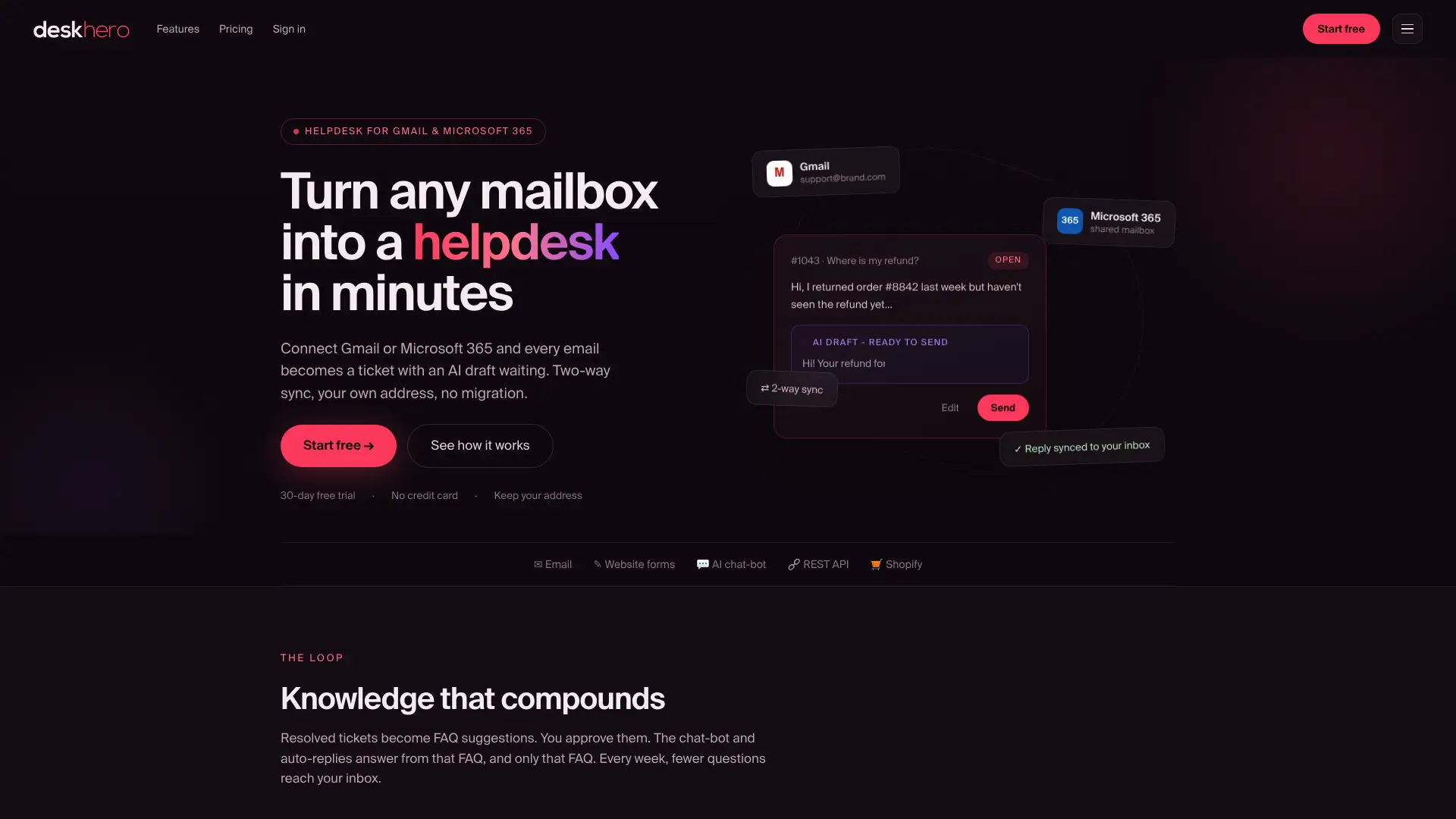
Deskhero combines a shared helpdesk with an FAQ-grounded AI chat-bot and a form fallback. The chat transcript stays with the ticket, unresolved conversations can be summarized into the form, and AI can suggest a reply for the User to review. Automatic features are opt-in, labeled, and logged. Start a 30-day free trial to test the workflow with your own mailbox and approved FAQ.
FAQ
What is a chatbot human handoff?
A chatbot human handoff is the transition from an automated conversation to support handled by a person. It may lead to live help, a ticket, or an email response. The conversation context should follow the request whenever possible.
When should a chatbot escalate to a human?
Useful triggers include a direct request for human help, no confident answer, negative feedback on an answer, a repetitive conversation, or a request that requires human judgment or action.
What data should transfer during a chatbot handoff?
Preserve the transcript and the information already supplied by the customer. Relevant context can include contact details, the unresolved question, form fields, account or order references, and attachments.
How do you measure handoff quality?
Track how often customers repeat information, time to the first human reply, customer feedback, resolution outcomes, and the reasons that trigger escalation. Review the measures together rather than optimizing only for fewer handoffs.
How does Deskhero handle chat-bot escalation?
Deskhero does not offer live human chat. Its AI chat-bot answers from the approved public FAQ. If it cannot answer, the customer moves to a prefilled form and the conversation remains on the same ticket for a support User to handle through the regular ticket and email workflow.
Key Takeaways
A useful chatbot handoff has a clear trigger, preserves the customer’s context, sets accurate expectations, and gives the support User a practical next step.
| Point | Details |
|---|---|
| Context should follow the request | Keep the transcript and relevant customer details with the resulting ticket or conversation. |
| Expectations should match the channel | Tell customers whether they are entering live support, submitting a form, or waiting for an email reply. |
| Human review remains important | Users should verify automated summaries, read the transcript, and avoid asking for information already supplied. |
| One metric is not enough | Combine escalation reasons, repeat-information rate, response time, customer feedback, and resolution outcomes. |
| Deskhero uses a ticket fallback | The AI chat-bot answers from approved public FAQ content, then falls back to a form and email-based support when needed. |